Building Nova Drop · Part 6 of 6
Shipping Nova Drop in 18 languages with Flutter
TL;DR — Nova Drop ships in 18 languages — including CJK and right-to-left Arabic — on Flutter's built-in gen-l10n pipeline. One template ARB drives generated, type-safe accessors; an in-app language switch flips locale instantly with no restart via a single ValueNotifier; language names are shown as endonyms; RTL comes for free; and a couple of strings stay untranslated on purpose. Then the same 18 locales carry over to the store listings.
For a wordless-feeling casual puzzle, localization punches way above its weight: most of your installs come from outside English-speaking markets, and the store algorithms reward a listing in the user's language. The good news is that Flutter's first-party i18n is genuinely enough — no third-party package, no runtime string-loading. Here's the whole setup.
The pipeline: one config, one template, generated code
It starts with l10n.yaml at the project root. It points gen-l10n at a folder of ARB files, names English the template, and writes a generated AppLocalizations class into lib/l10n/gen/:
arb-dir: lib/l10n
template-arb-file: app_en.arb
output-localizations-file: app_localizations.dart
output-dir: lib/l10n/gen
nullable-getter: false
With generate: true in pubspec.yaml, the build turns each ARB into type-safe Dart. ARB is just JSON: a key, a string, and optional metadata for placeholders. The template (app_en.arb) is the source of truth; the other 17 mirror its keys.
{
  "@@locale": "en",
  "appTitle": "Nova Drop",
  "tagline": "MERGE THE STARS. CREATE THE SUPERNOVA.",
  "removeAdsPrice": "REMOVE ADS  {price}",
  "@removeAdsPrice": { "placeholders": { "price": {} } },
  "streakN": "Day {n}",
  "@streakN": { "placeholders": { "n": {} } }
}
A placeholder becomes a generated method, not a string, so a missing argument is a compile error rather than a broken string at runtime — l10n.removeAdsPrice('€4.99'), l10n.streakN(7). That's the quiet superpower of gen-l10n: your translations are checked by the compiler.
Wiring it into the app
The MaterialApp gets the generated delegate plus Flutter's three global delegates (which localize the built-in Material/Cupertino widgets and text direction), and advertises its supported locales straight from the generated class:
MaterialApp(
  locale: locale,                                  // null = follow the system
  localizationsDelegates: const [
    AppLocalizations.delegate,
    GlobalMaterialLocalizations.delegate,
    GlobalWidgetsLocalizations.delegate,
    GlobalCupertinoLocalizations.delegate,
  ],
  supportedLocales: AppLocalizations.supportedLocales,
  // …
)
A tiny extension makes every string a one-liner anywhere there's a BuildContext:
extension L10nX on BuildContext {
  AppLocalizations get l10n => AppLocalizations.of(this);
}
// usage: Text(context.l10n.play)
An in-app language switch with zero restart
Respecting the system language is the default (locale: null), but players expect to override it in Settings — and they expect the change to be instant. That's a single ValueNotifier<Locale?> the MaterialApp listens to; setting it rebuilds the whole tree with the new locale, no restart:
class LocaleController {
  static final ValueNotifier<Locale?> locale = ValueNotifier(_fromStorage());

  static void set(String code) {                 // '' = back to system
    Storage.instance.localeOverride = code;       // persist
    locale.value = code.isEmpty ? null : Locale(code);
  }
}

// in main.dart:
ValueListenableBuilder<Locale?>(
  valueListenable: LocaleController.locale,
  builder: (context, locale, _) => MaterialApp(locale: locale, /* … */),
);
The choice is persisted in shared_preferences, so it survives restarts. Tap Italiano in Settings and the menu re-renders in Italian before your finger leaves the screen.
Endonyms: never translate a language's own name
One small dignity that's easy to get wrong: the name of a language should always appear in that language — French is "Français," not "French," no matter what locale you're currently in. So the picker hard-codes endonyms rather than localizing them:
static const List<(String, String)> languages = [
  ('en', 'English'), ('it', 'Italiano'), ('es', 'Español'), ('pt', 'Português'),
  ('fr', 'Français'), ('de', 'Deutsch'), ('ja', '日本語'), ('ko', '한국어'),
  ('zh', '中文'), ('ru', 'Русский'), ('tr', 'Türkçe'), ('id', 'Bahasa Indonesia'),
  ('ar', 'العربية'), ('hi', 'हिन्दी'), ('pl', 'Polski'), ('nl', 'Nederlands'),
  ('th', 'ไทย'), ('vi', 'Tiếng Việt'),
];
That list includes CJK scripts and right-to-left Arabic. RTL itself needs no special handling — because the layout uses Flutter's directional widgets and the global delegates set Directionality, switching to Arabic mirrors the UI automatically. And since the game's type is system fonts (no bundled font files), every script renders with the platform's own fonts, which keeps the app small and the glyph coverage complete.
What stays untranslated — on purpose
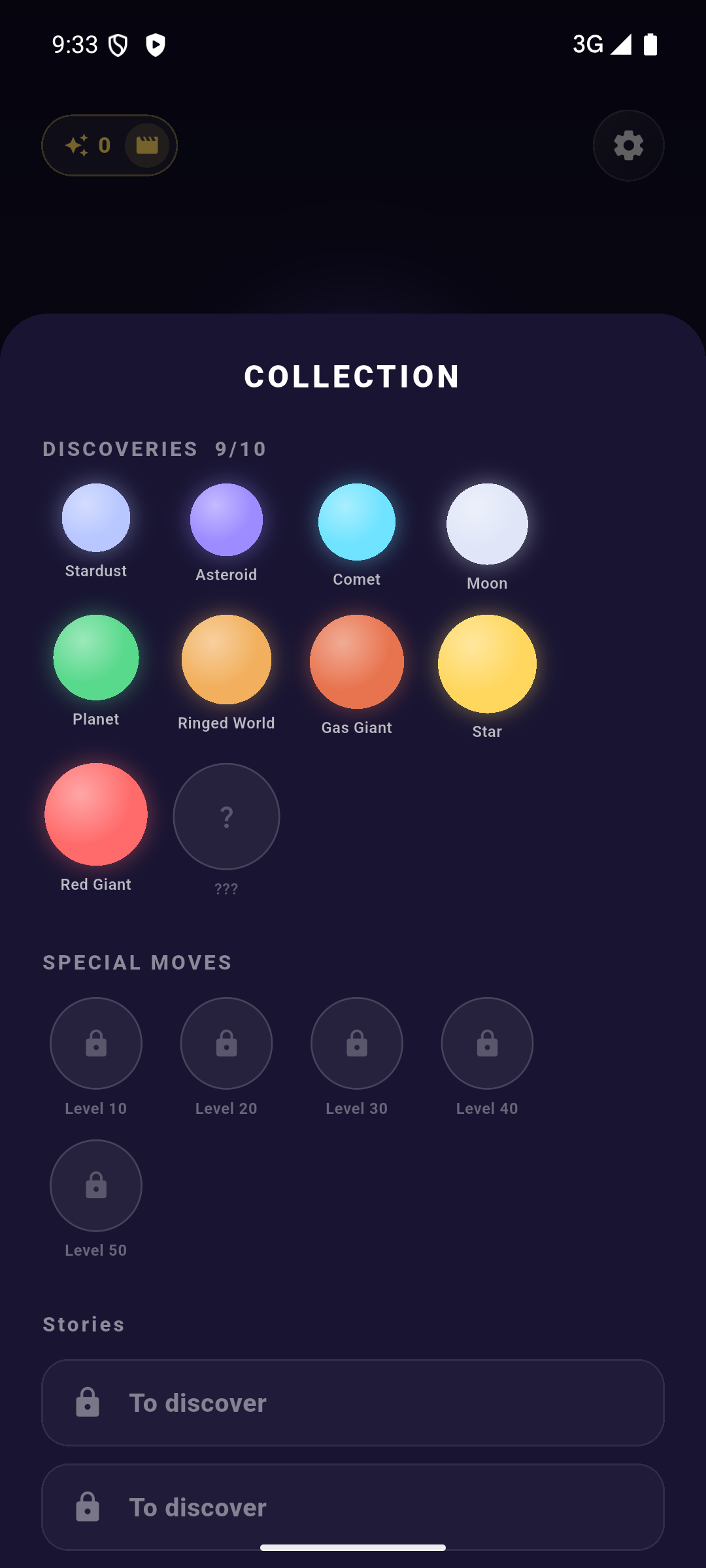
Not everything should be localized. The ten cosmic bodies are translated — there's a tier0..tier9 key per language and a helper that maps a tier index to its localized name and lore:
String tierName(AppLocalizations l, int tier) => switch (tier) {
  0 => l.tier0,  // "Stardust" / "Polvere Stellare" / "星屑" …
  1 => l.tier1,
  // …
  _ => l.tier9,  // "Neutron Star"
};
The five special moves, by contrast, are brand names and stay identical everywhere — NOVA, ANTARES, GEMINI, BLACK HOLE, BIG BANG. They're hard-coded constants, not l10n keys, with a comment saying exactly that:
// labels are intentionally NOT localized (brand, like "NOVA")
const moves = [
  SpecialMove(SpecialId.nova,        'NOVA',       200, true),
  SpecialMove(SpecialId.cosmicAlign, 'ANTARES',    400, false),
  SpecialMove(SpecialId.bigBang,     'BIG BANG',  1200, false),
];
The line to draw: translate what a player needs to understand (a body's name, a goal, a button), keep as-is what is identity (the named powers, the title). It makes the game feel both localized and consistent across the world's leaderboards.
The same 18 locales carry the store
Localization doesn't stop at the binary. Each language also has a full store listing — title, short and long description — so the App Store and Play listings appear in the player's language too. Keeping the in-app ARBs and the store copy on the same 18-locale list means a player who found you via a localized search keeps speaking the same language the moment the app opens.
The takeaway
Flutter's built-in i18n scales to 18 languages without a third-party package: a template-driven ARB pipeline that compiles your translations into type-safe code, a MaterialApp wired with the global delegates, and a one-ValueNotifier switch for instant, persisted language changes. Show language names as endonyms, let the framework handle RTL, and be deliberate about the handful of strings that are identity rather than information. That's the whole series — from a hand-written physics engine to a game that speaks 18 languages. Thanks for reading.
The series
- Building a physics merge puzzle in pure Dart — no engine, no Box2D
- Making merges feel oddly satisfying: juice on one CustomPainter
- Beyond Suika: cosmic storms and a hand-rolled obstacle system
- An infinite Odyssey: a star map, 200 levels and a hand-painted creation myth
- Monetizing a relaxing game without wrecking the vibe: AdMob & IAP
- Shipping Nova Drop in 18 languages with Flutter
Nova Drop is a relaxing cosmic merge puzzle — drop cosmic bodies, chain reactions and chase the Supernova. Out now, free on iOS and Android.
Where to find Nova Drop
- Official site: novadrop.nurale.games
- iOS: App Store · Android: Google Play